Shop the Safety Kit

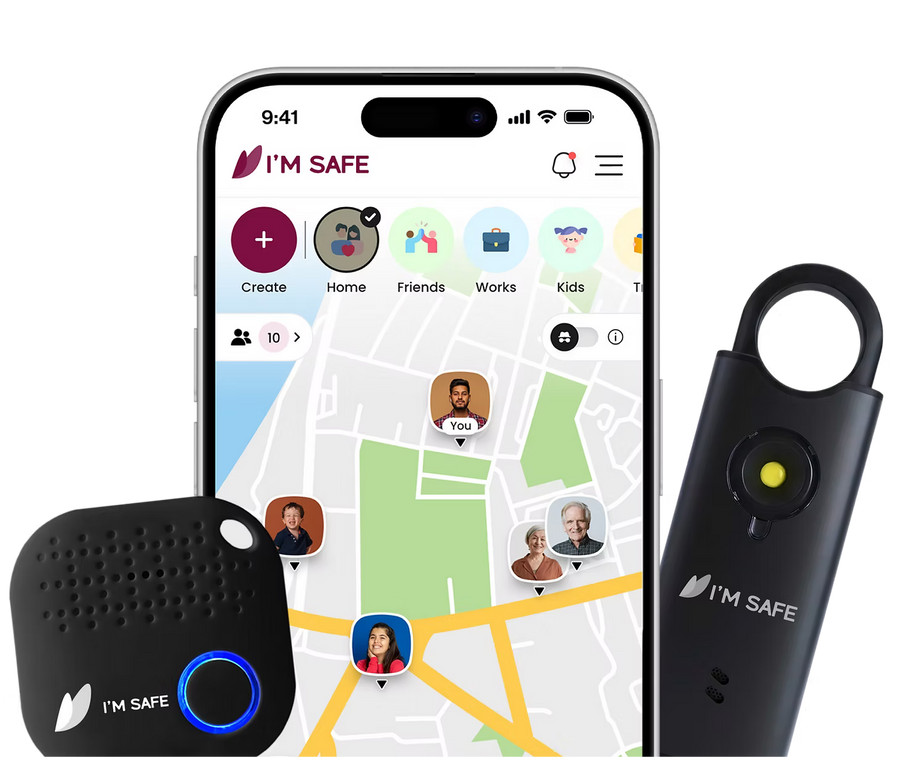
Start with the I'M SAFE app. Add an SOS Tag or Siren for extra peace of mind.

Choose in 10 seconds
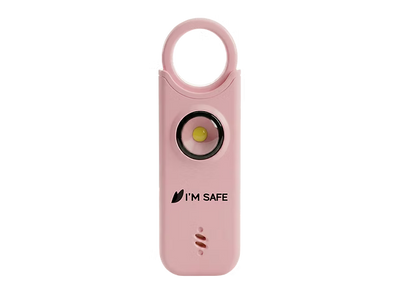
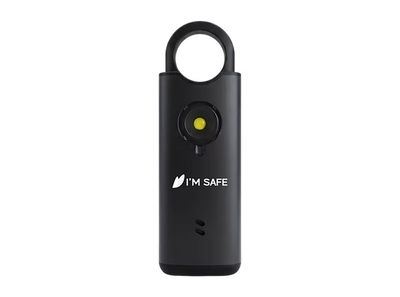
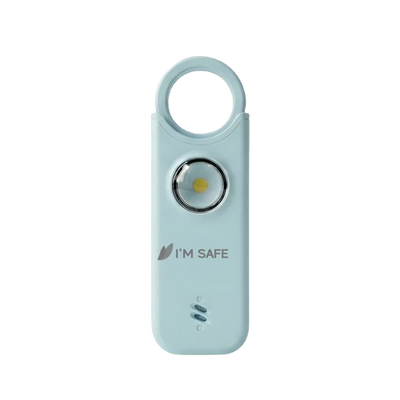
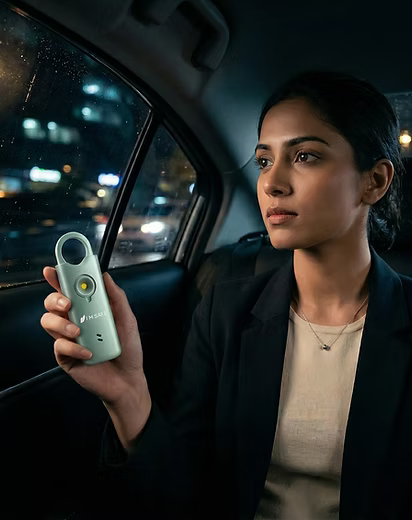
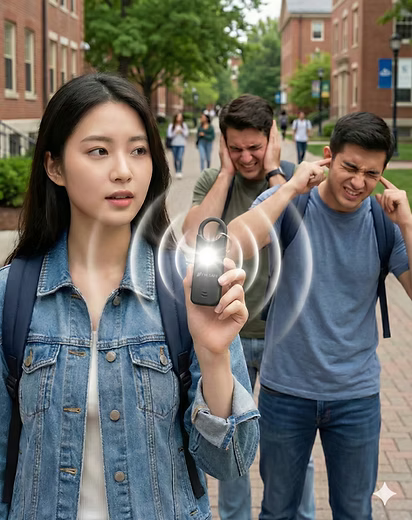
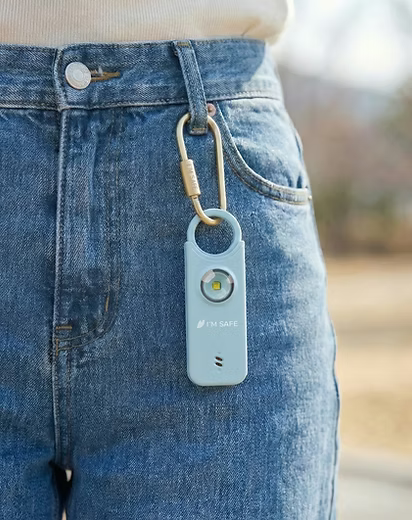
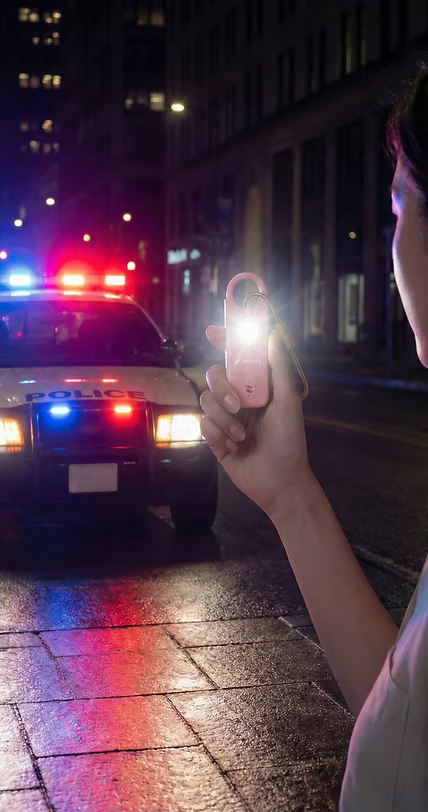
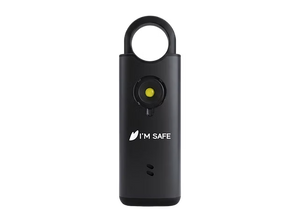
Want a loud alarm instantly?

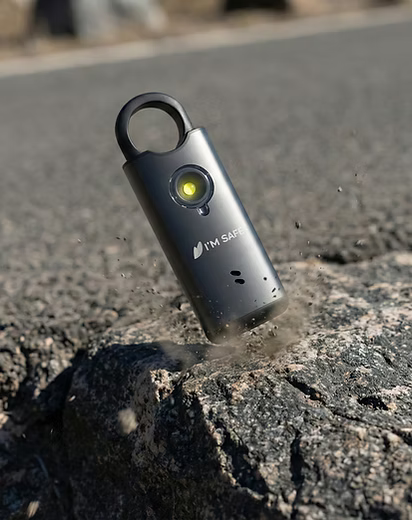
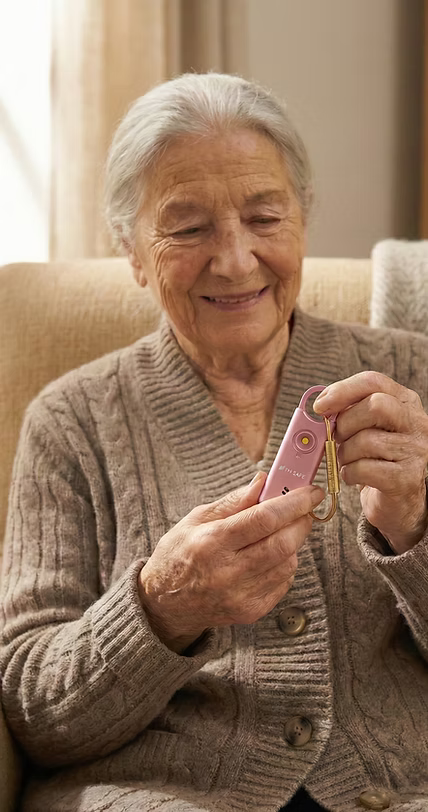
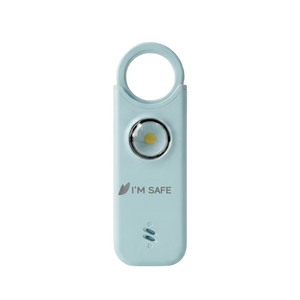
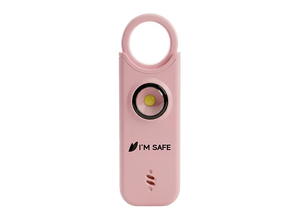
Safety Alarm

loud alarm + strobe. Standalone (no app needed).

Shop Alarm

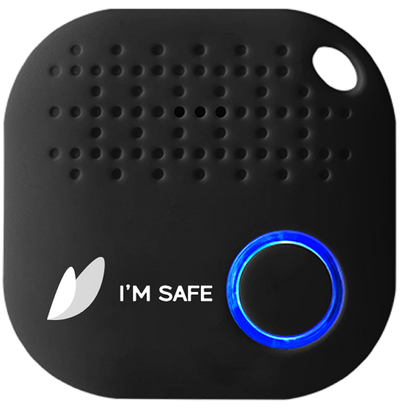
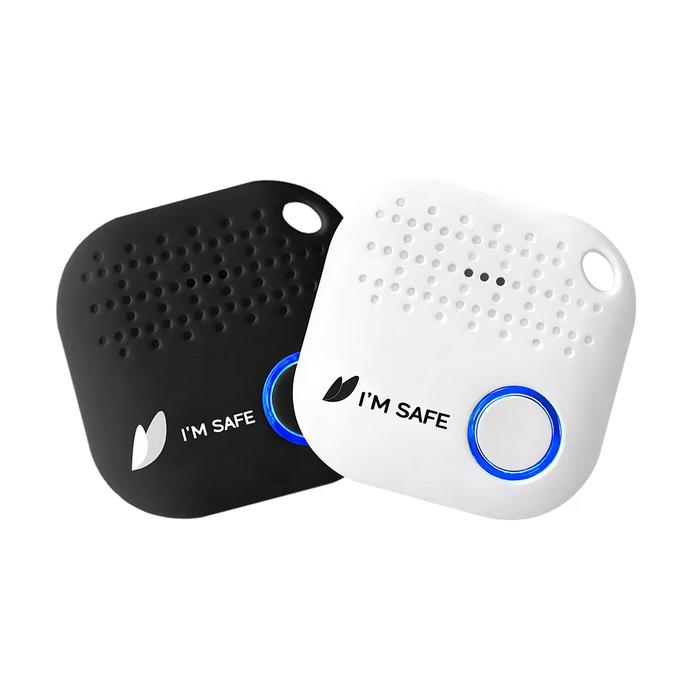
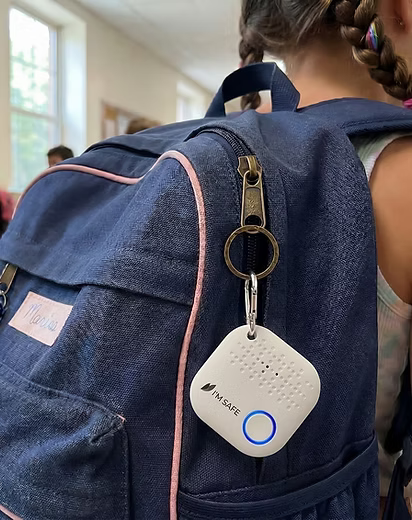
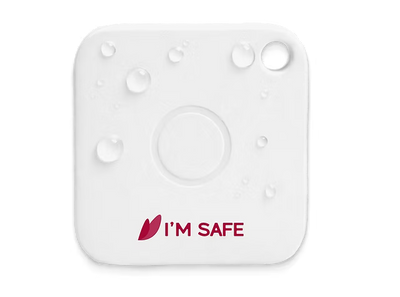
Want a button that triggers SOS from your phone?
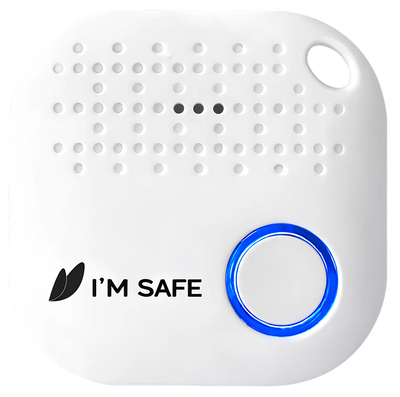
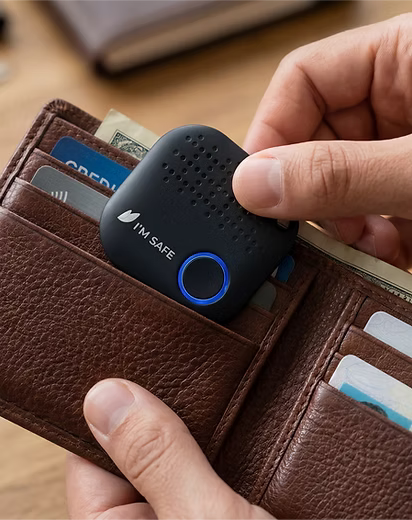
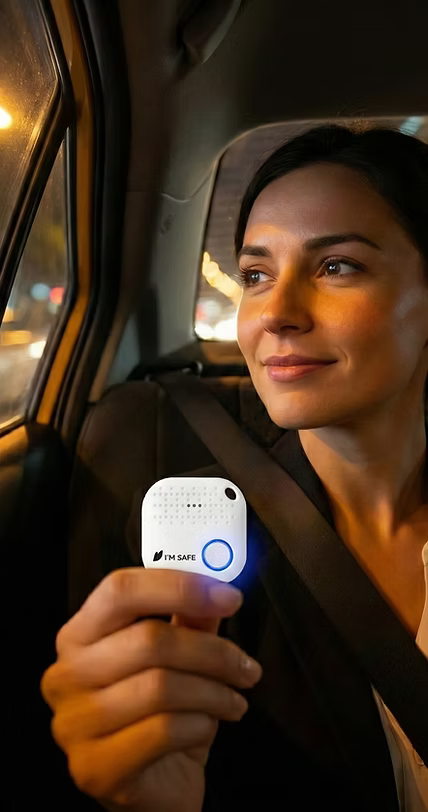
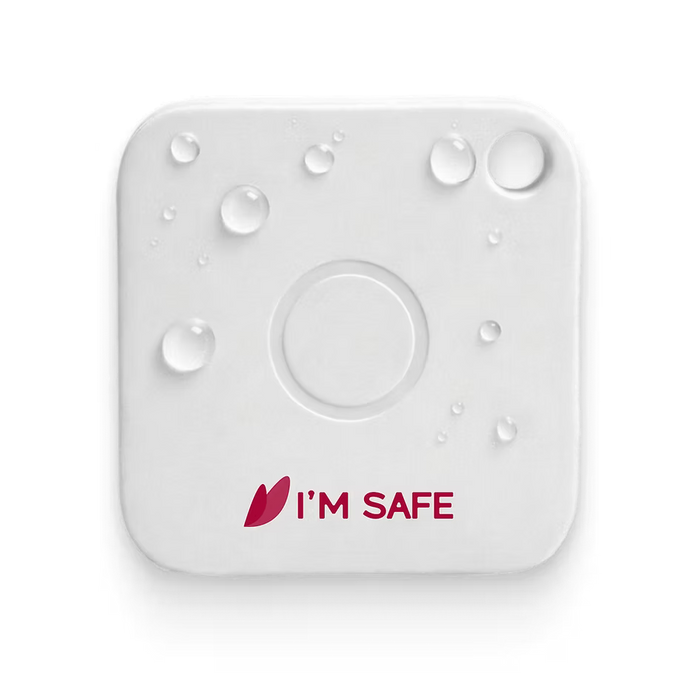
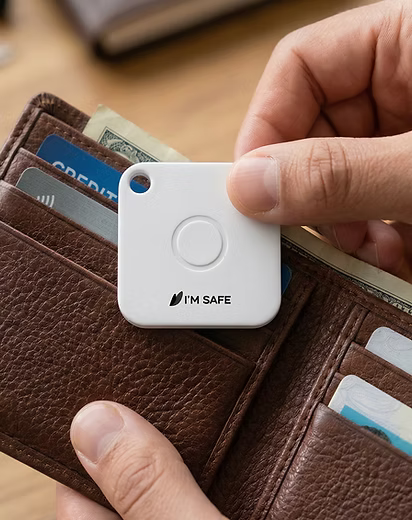
SOS Tag

press to send SOS via the app. Connects by Bluetooth.

Shop Tag

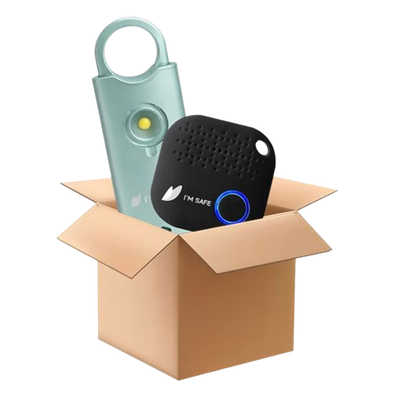
Want both?

Bundles

SOS button + loud alarm (two layers).

View Bundles

Choose your Alarm

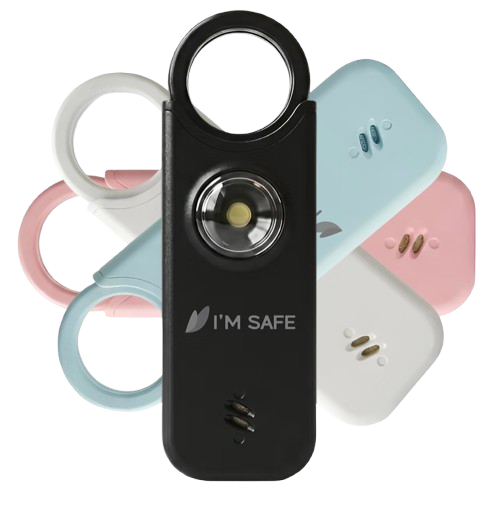
Safety AlarmMetal Edition
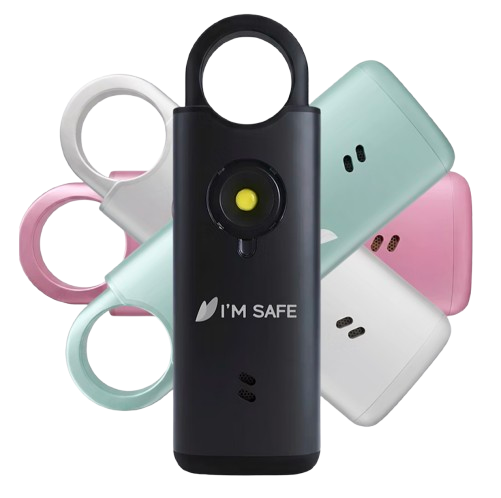
Safety AlarmClassic Edition
Choose your Tag

Bundles

Save more

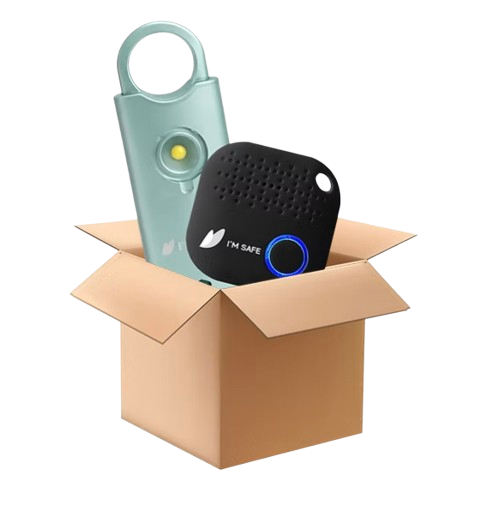
Starter Safety Kit

Starter Safety Kit
Bundles
  • SOS Tag (Classic)x1
  • Safety Alarm - Classic Editionx1
View Bundles

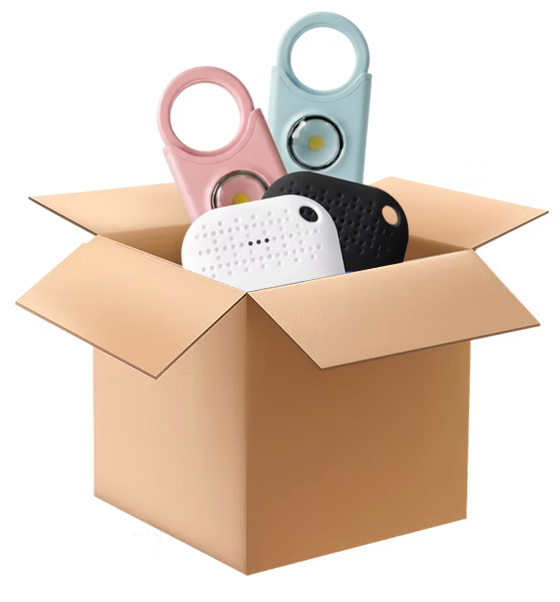
Family Safety Kit

Family Safety Kit
Bundles
  • SOS Tag (Classic)x2
  • Safety Alarm - Classic Editionx2
View Bundles

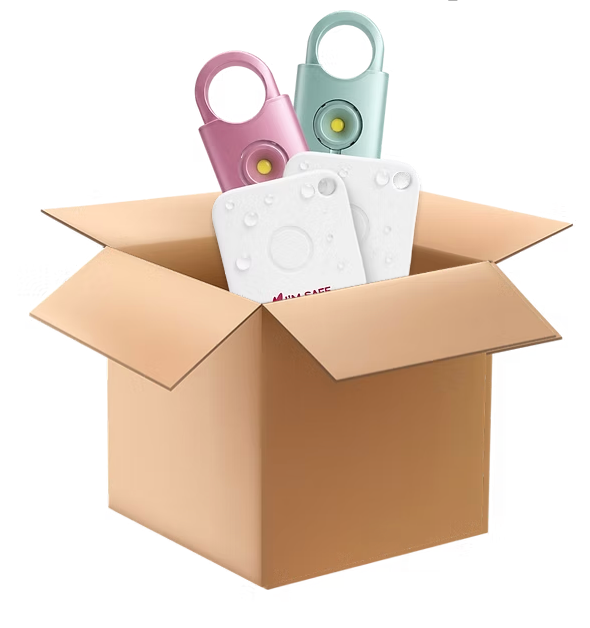
Ultimate Safety Kit

Ultimate Safety Kit
Bundles
  • SOS Tag - Prox2
  • Safety Alarm - Metal Editionx2
View Bundles

Easy setup. Fast support.

Quick setup guide in every box

WhatsApp support available

Replacement for manufacturing defects

Frequently asked questions

What does I'M SAFE do?

I'M SAFE is your personal safety network. It helps families, friends, and communities stay connected, share locations, and support each other daily and during emergencies.

Who is it for?

Everyone. Parents and kids, elders, roommates, friend groups — anyone who wants simple ways to stay connected and feel safer together.

Does I'M SAFE offer a free plan?

Yes, I'M SAFE currently offers a free plan for everyone.

Which phones are supported?

iOS and Android. Make sure you're on the latest version of the app for the best experience.

Do I need mobile data or Wi-Fi?

Yes for live updates, invites, and maps. Some tools (like the Fake Call screen or local SOS siren) can work even if the internet drops, but sharing alerts or locations needs connectivity.

What is a Bubble in I'M SAFE?

A Bubble is your private group in I'M SAFE. Members can view each other's live location, speed, battery, signal strength, and phone mode (silent/ring/vibrate) on one map.

How do I create a Bubble?

Open the app → BubbleCreate Bubble → add people → send invites.

Do I need to add friends first?

No. You can invite people directly to your Bubble. They'll see the invite and can join with one tap.

Who can see my location?

Only people in the Bubbles you've joined. Outside your Bubbles, no one can see your live details.

Is location sharing on by default when I join?

Yes, so your group can see you immediately. You can go Private anytime.

Can I go invisible? (Private Mode)

Yes. Switch on Private Mode anytime. Your live details are hidden; others may see only your last seen time/location.

Can I leave or delete a Bubble?

Yes. You can leave any time. Bubble creators can also delete the Bubble.

Why can't I see someone in my Bubble?

They may be in Private Mode, out of signal/battery, or their app permissions/battery settings may be restricting updates (see "Common Issues & Support").

I'M SAFE Kit

Build your Safety Kit Now